Access a Raspberry Pi, Luckfox Pico or similar board at home, in a factory or in a shop — from the internet side. Open its web UI, call its API or maintain it over SSH from your phone, your laptop or a cloud app. The board opens no inbound ports; it makes a single outbound connection. Install with a one-liner and leave it running.
Behind home routers, factory and shop NAT, or a mobile link, IoT devices are normally unreachable from the internet side. WireCanal leaves the network as it is and adds only a safe way in from outside.
From the internet side you simply open the public hostname (HTTPS) or the assigned port (TCP). The board makes one outbound connection; no static IP, DDNS, VPN or port forwarding. It works the same for boards behind dynamic IPs, mobile links and tethering.
One file, no runtime, under 10 MB. Resident memory is around 10 MB, so it runs on Cortex-A7 class boards with a few dozen MB of RAM. The installer detects x86_64, 64-bit ARM and 32-bit ARM automatically.
Dashboards and camera views over HTTPS, SSH and custom protocols as plain TCP, and sensor or IoT-device controls exposed as MCP to AI services such as Bestllam, Claude and ChatGPT. One tunnel; you pick the way in.
Register it with systemd (or a startup script) and it reconnects automatically after a power cut. The agent updates itself unattended from signed releases (on by default). No one has to stay on site.
The WireCanal agent supports CPU architectures running Linux, not individual models. If Linux runs on one of these combinations, the device becomes reachable from the internet side. The CPU type is detected automatically at install time.
Mini PCs, industrial PCs, NUCs.wirecanal-linux-amd64
Cortex-A53 / A72 / A76 class boards.wirecanal-linux-arm64
Cortex-A7 and ARM11 class boards, even with a few dozen MB of RAM.wirecanal-linux-arm
In preparation.
Representative boards that match the combinations above. If your board is not listed but its chip and Linux match, the same one-liner works.
| Model | Chip + Linux | Notes |
|---|---|---|
| Raspberry Pi 5 | 64-bit ARM (Raspberry Pi OS 64-bit) | Read the article |
| Raspberry Pi 4 Model B / 400 / 500, Compute Module 4 / 5 | 64-bit ARM (64-bit OS) / 32-bit OS also fine | |
| Raspberry Pi 3 Model B / B+ / A+, Zero 2 W, Compute Module 3 | 64-bit ARM (64-bit OS) / 32-bit OS also fine | |
| Raspberry Pi 2 Model B | 32-bit ARM (armv7) | |
| Raspberry Pi Zero / Zero W / Zero WH, Raspberry Pi 1 Model A+ / B+ | 32-bit ARM (armv6) |
| Model | Chip + Linux | Notes |
|---|---|---|
| Luckfox Pico (Pico M) | RV1103, Cortex-A7 (32-bit ARM), Buildroot | Read the article |
| Luckfox Pico Mini A / B, Pico Plus, WebBee | RV1103, Cortex-A7 | |
| Luckfox Pico Pro / Max, Pico Ultra / Ultra W, 86Panel | RV1106, Cortex-A7 | Buildroot / Ubuntu |
| Luckfox Lyra | RK3506, Cortex-A7 | |
| Luckfox Omni3576 / Core3576 | RK3576, 64-bit ARM |
| Model | Chip + Linux | Notes |
|---|---|---|
| Milk-V Duo / Duo 256M / Duo S, Mars, Jupiter, Meles, Pioneer | RISC-V 64-bit | RISC-V build in preparation |
NVIDIA Jetson, Radxa ROCK, Orange Pi, NanoPi, Banana Pi (64-bit ARM + Linux), BeagleBone Black (32-bit ARM + Linux) and more. Small x86_64 PCs and industrial PCs work as they always have.
The one-liner in the Linux setup guide reads uname -m and picks the matching download above.
In the dashboard, choose the type (HTTP / TCP / MCP) and the forward target (for example localhost:8080). You get a public hostname and the connection file wirecanal.json.
curl -fsSL https://download.wirecanal.com/install.sh | shThe CPU type is detected automatically. On minimal OS images without curl, just download the file listed above and place it on the board.
./wirecanal -config wirecanal.json opens the tunnel — from that moment the board is reachable from the internet at its public hostname. A systemd template is in the Linux setup guide. It reconnects by itself after a reboot.
Step-by-step walkthroughs — from first boot to reaching a Raspberry Pi 5 from anywhere — with photos and commands on the Qualiteg blogs.
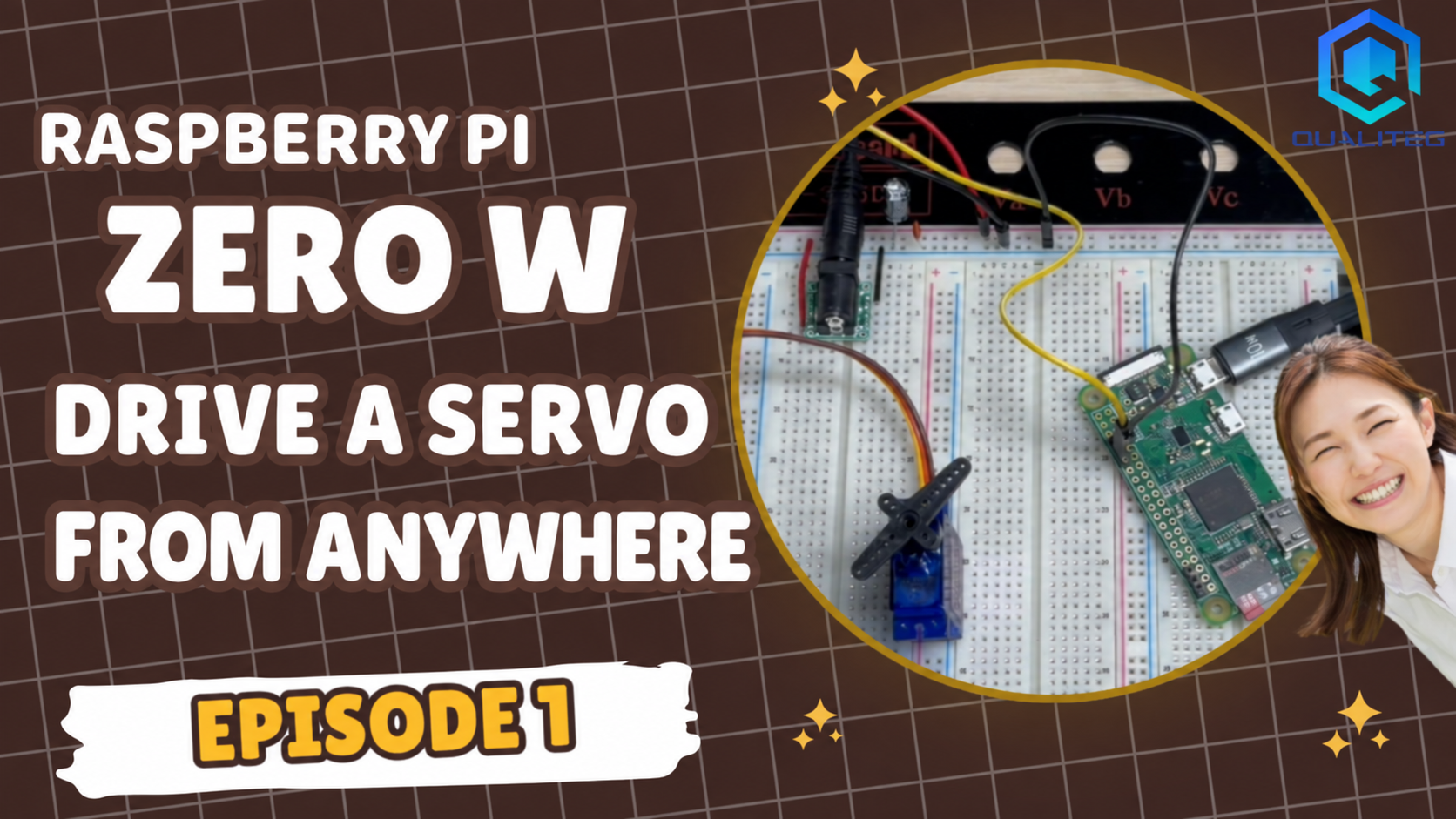
Connecting a servo to a 2017 Raspberry Pi Zero W, setting it up headless from a Windows PC alone, and moving it over the internet with one curl command. Software PWM jitter is fixed with hardware PWM, switchable via an HTTP API, and published on WireCanal's free plan with no open ports.
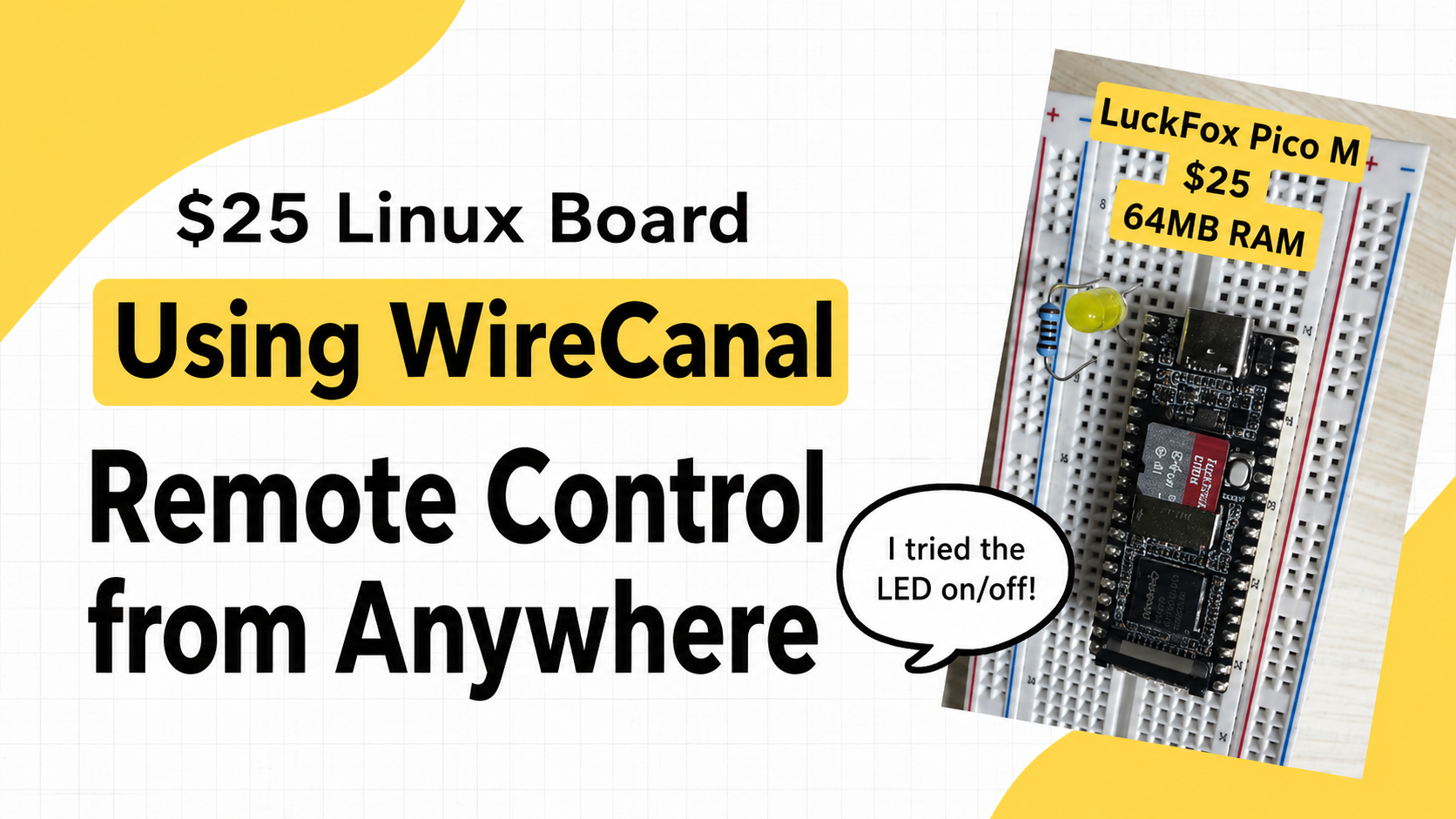
How we made a ¥3,750 (~$25) Linux board — the Luckfox Pico M (RV1103, 64 MB, USB-C only) — reachable from the internet without adding an inbound port for web publishing: SD imaging, RNDIS networking, WireCanal's free plan, a browser-controlled LED, and 33-second reboot recovery, all measured.
We publish a Raspberry Pi 5 web server to the internet with its inbound ports kept closed: install the WireCanal Agent with a one-liner, create a canal, and run it as a systemd service. No port forwarding or router settings, about 5 minutes of work, verified through automatic recovery after reboot.
A freshly set up Raspberry Pi 5 is wide open: password auth enabled, no firewall, 172 pending updates. We harden it with SSH key-only auth, UFW, fail2ban, and automatic updates, disable IPv6, and verify it all with real reboots — including the trap where IPv6 comes back after a reboot.
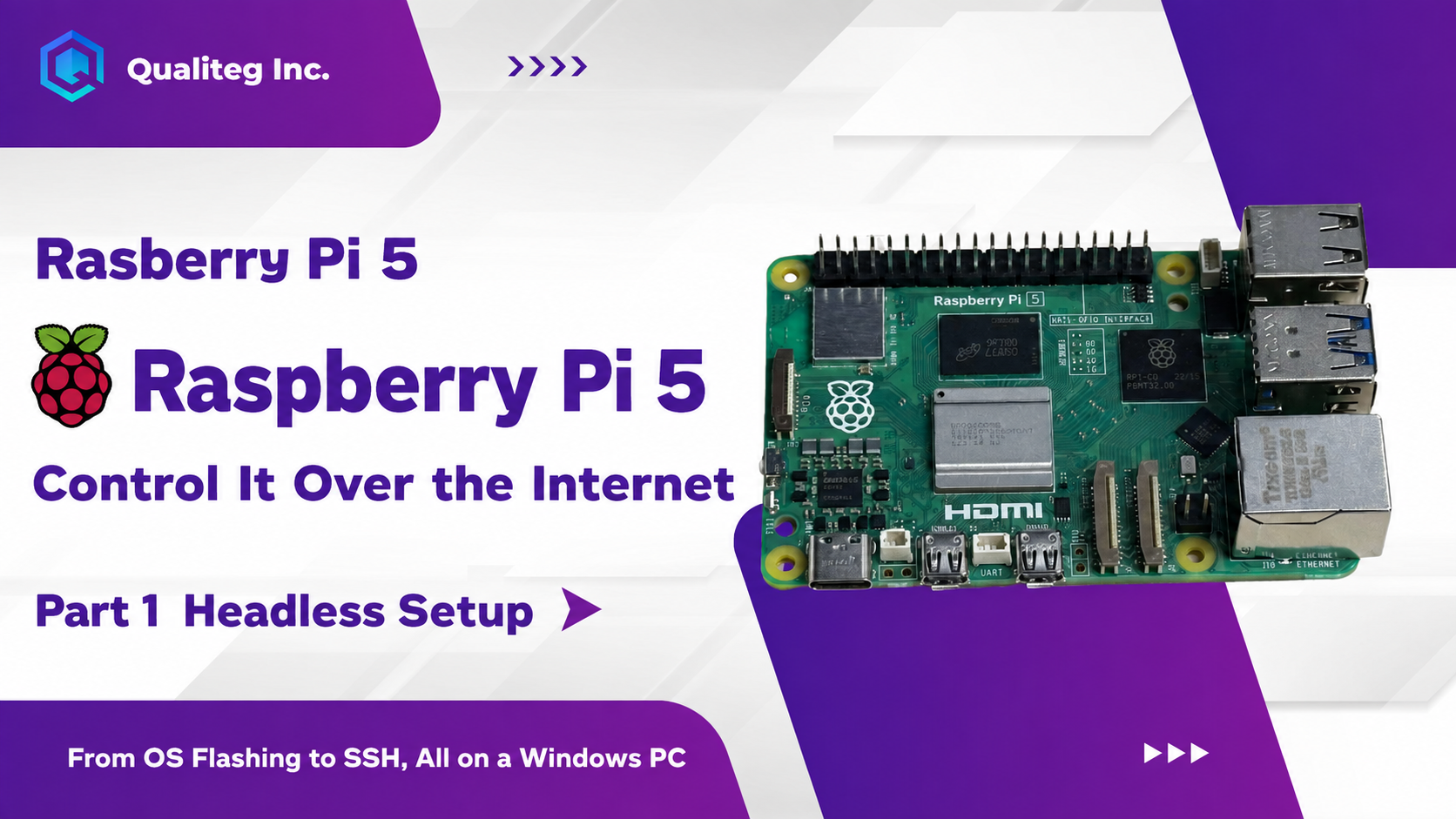
Set up a Raspberry Pi 5 with no monitor or micro HDMI cable, using only a Windows PC. We use the Raspberry Pi Imager CLI and firstrun.sh to preconfigure Wi-Fi and SSH, with the full procedure and measured timings — about 3 minutes from SD card insertion to an SSH connection.
Sign-up is free. No credit card required — create your first canal right now.
 WireCanal