Give localhost an HTTPS address in tens of seconds. Carry RDP, SSH, databases and more over raw TCP. Without opening a single inbound port, WireCanal connects you to the outside world through relay servers in Japan.
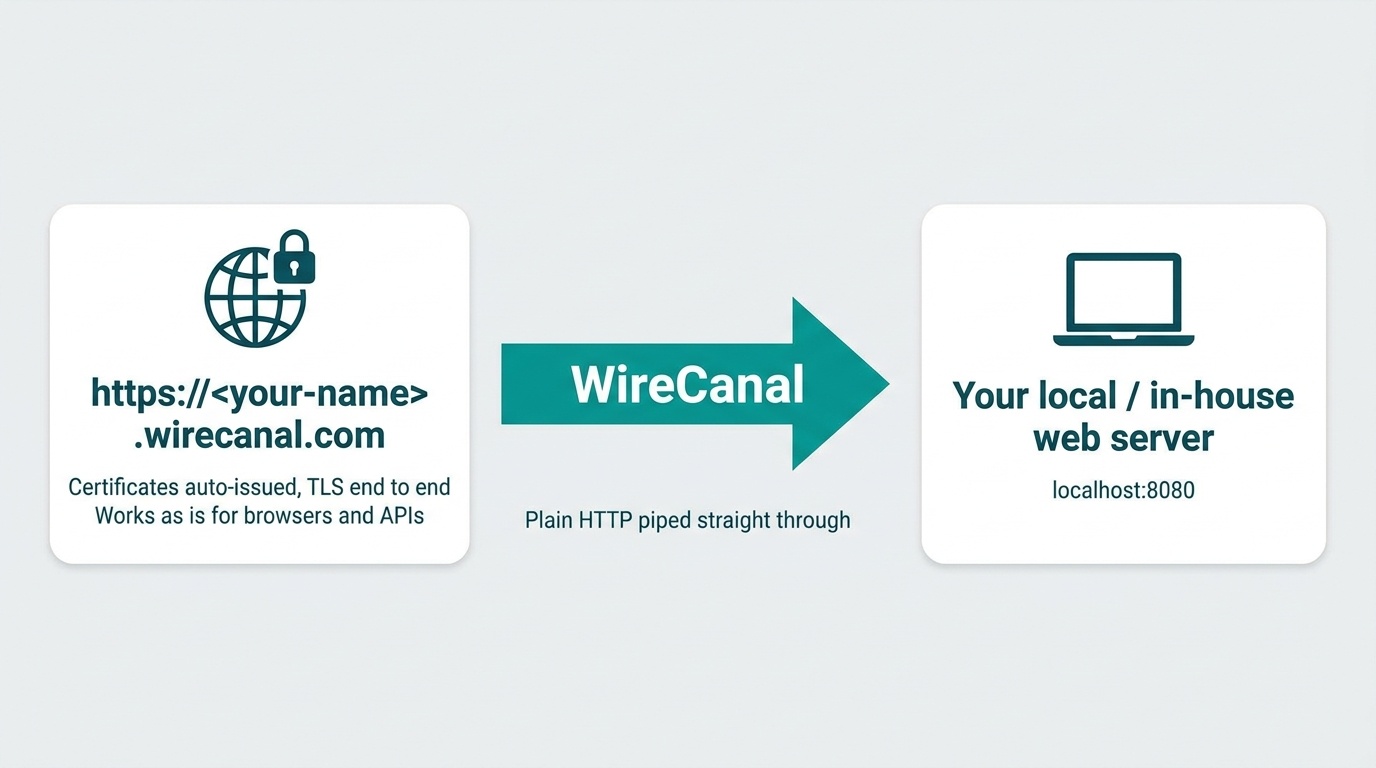
WireCanal assigns a public address like https://<your-name>.ja001.wirecanal.com to a web server on your machine or inside your company — in tens of seconds. Without opening a single inbound port, certificates are issued automatically and TLS is terminated for you, so browsers and API clients reach it over plain HTTPS. Raw HTTP is simply piped through as-is, which means no changes to your existing apps.
Going live takes three steps from the dashboard.
wirecanal.json that contains just the connection key and forwarding destination.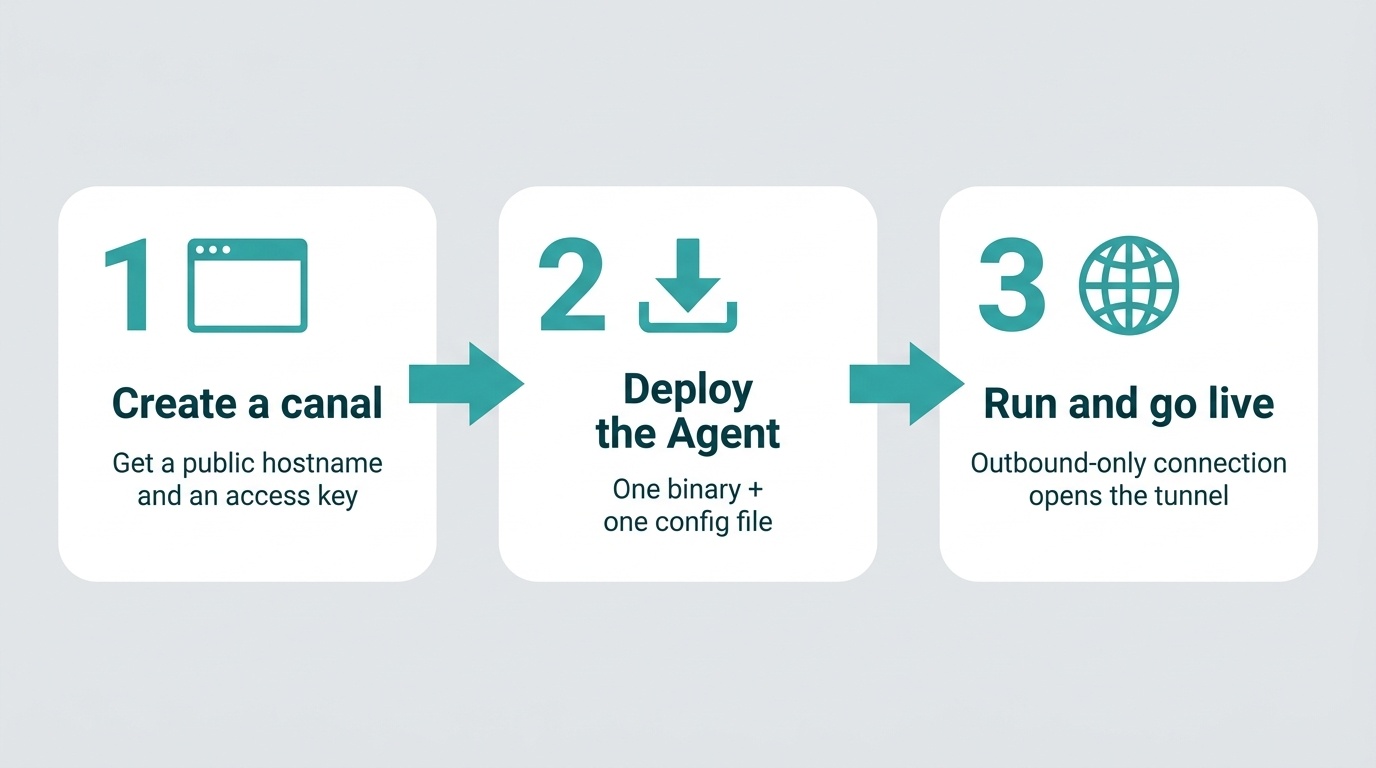
For the public hostname, you can choose between a random subdomain (<random>.ja001.wirecanal.com, expires after a time limit) and a persistent reservation of the subdomain of your choice (depending on your plan).
For detailed installation instructions with copy-and-paste commands, see the per-OS Setup Guide (Windows / Linux).
If you close the terminal you started it in, the agent stops. To keep it running as a server, run wirecanal service install -config wirecanal.json once in a PowerShell opened as Administrator, and it is registered as a Windows service (agent v0.16.0 and later). It starts automatically when the PC boots — no logon required — and if it stops, it restarts automatically after about 5 seconds. To remove it, run wirecanal service uninstall. On Linux you can keep it resident with systemd (a template is provided in the Setup Guide).
On the Premium plan, you can use your own domain (e.g. app.example.co.jp) as the public host (HTTP / MCP canals). Just add DNS records as guided on screen, and WireCanal automatically handles everything from ownership verification to automatic certificate issuance and go-live confirmation. You are also notified by email when the domain goes live and when certificates are renewed. Progress is preserved even if you close the screen midway, you can unlink at any time, and your domain can be reused as many times as you like.
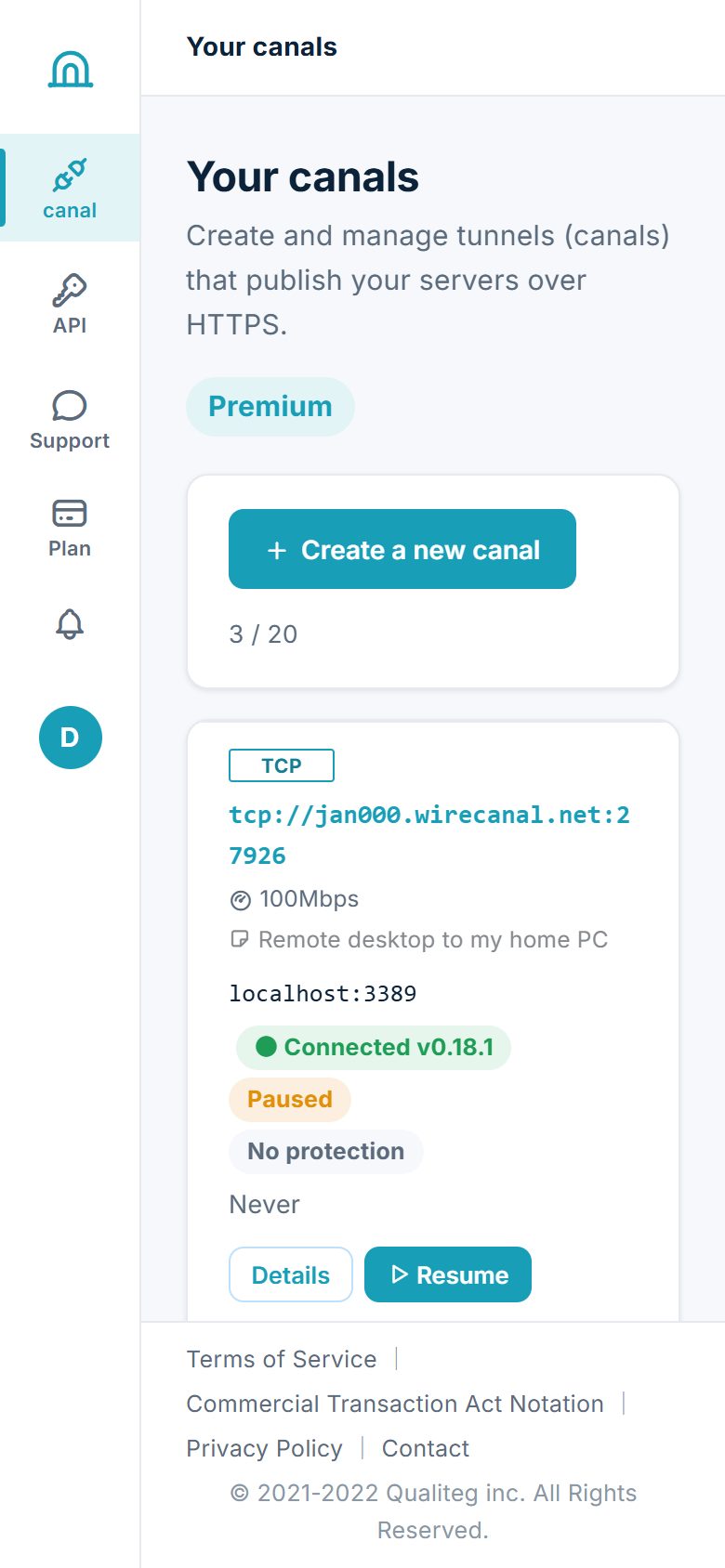
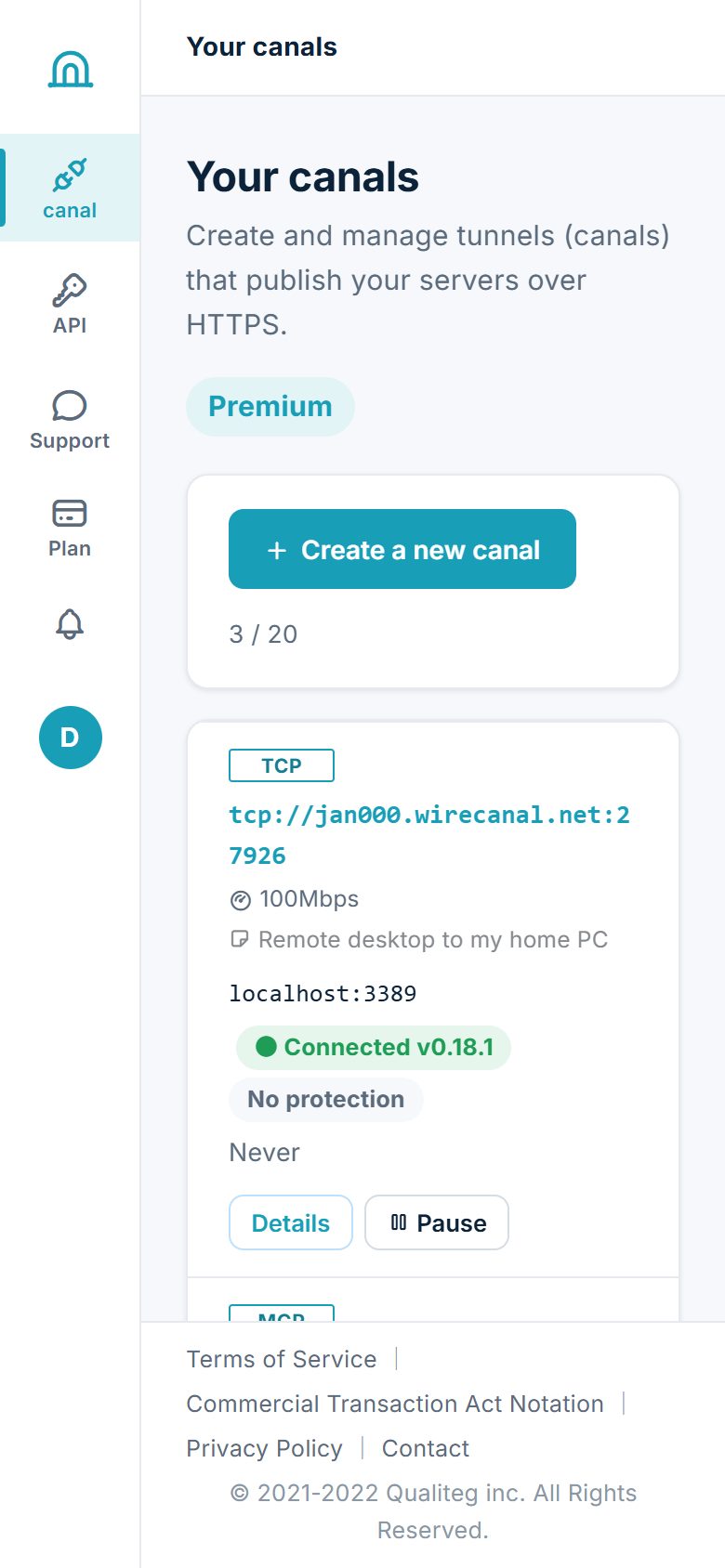
It is not just for the web. Arbitrary TCP services such as RDP, SSH, and PostgreSQL / MySQL can also be published across NAT without opening inbound ports (Pro plan and above). Endpoints take the form tcp://jan000.wirecanal.net:<port>.
TCP canals can also be layered with the IP address restriction available on all plans. Restrict callers to your office or site IPs, and you get what is effectively a leased line — even though it is a public endpoint.
Set up a tunnel for RDP to your PC at home or at work, and keep it paused most of the time. When you want Remote Desktop while out and about, open the dashboard on your phone and just tap "▷ Resume" — one button brings the endpoint back (usually reflected in seconds; up to 1 minute for TCP).
The receiving end (Edge) sits on servers in Japan, and traffic is TLS along the entire path. It is our own stack — not dependent on overseas managed pay-as-you-go tunnels. On top of that, the entrance can be narrowed in two ways.
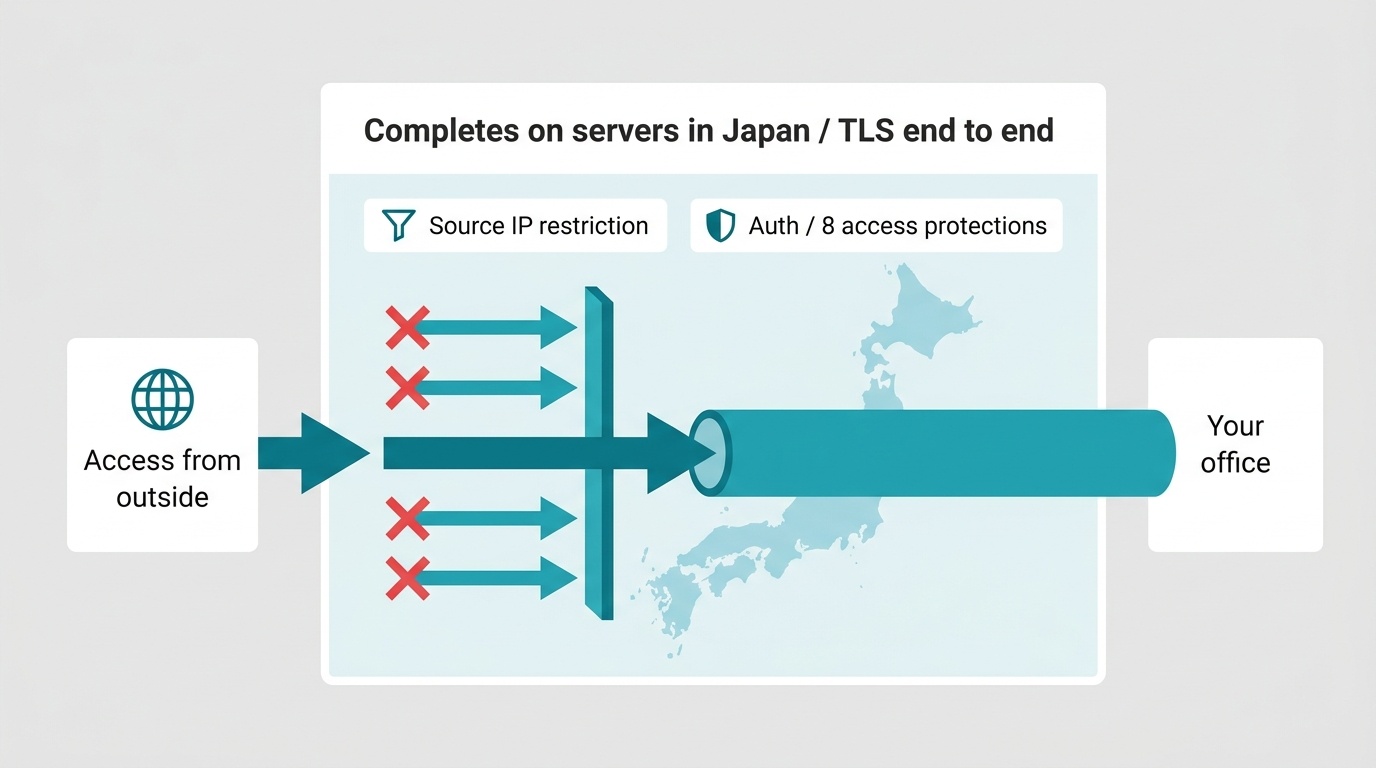
In addition, 8 kinds of access protection — IP / country / BASIC / Bearer / time window / path / automatic blocking / stealth — plus per-canal access logs are available on all plans. See the Security page for details.
The agent is a static single binary for Windows / Linux (amd64, arm64 and 32-bit ARM). No runtime required — drop in one file and it runs. Installation is a single one-liner.
irm https://download.wirecanal.com/install.ps1 | iexcurl -fsSL https://download.wirecanal.com/install.sh | shproxy_url in wirecanal.json (independent of the environment variables of the host)."lang": "en" to wirecanal.json and the agent's messages switch to English (the default is Japanese).Sign-up is free. No credit card required — create your first canal right now.
 WireCanal